InfraCityOpen editor

Styles

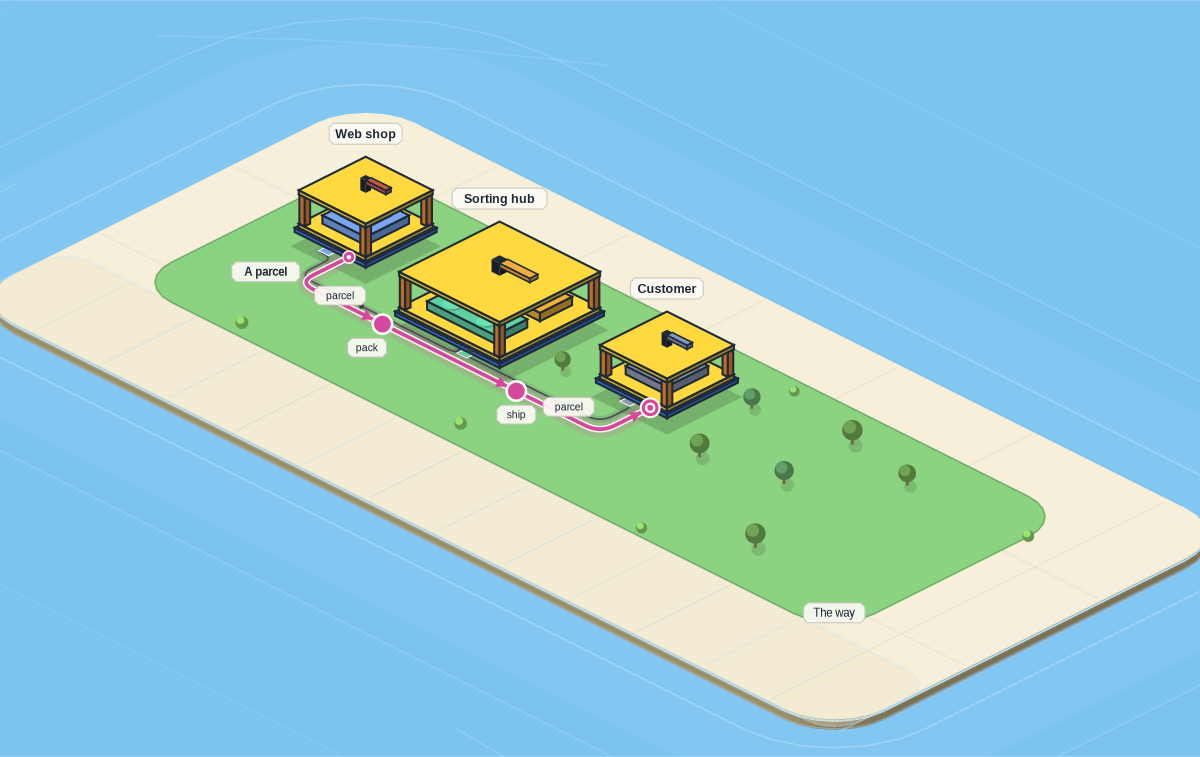
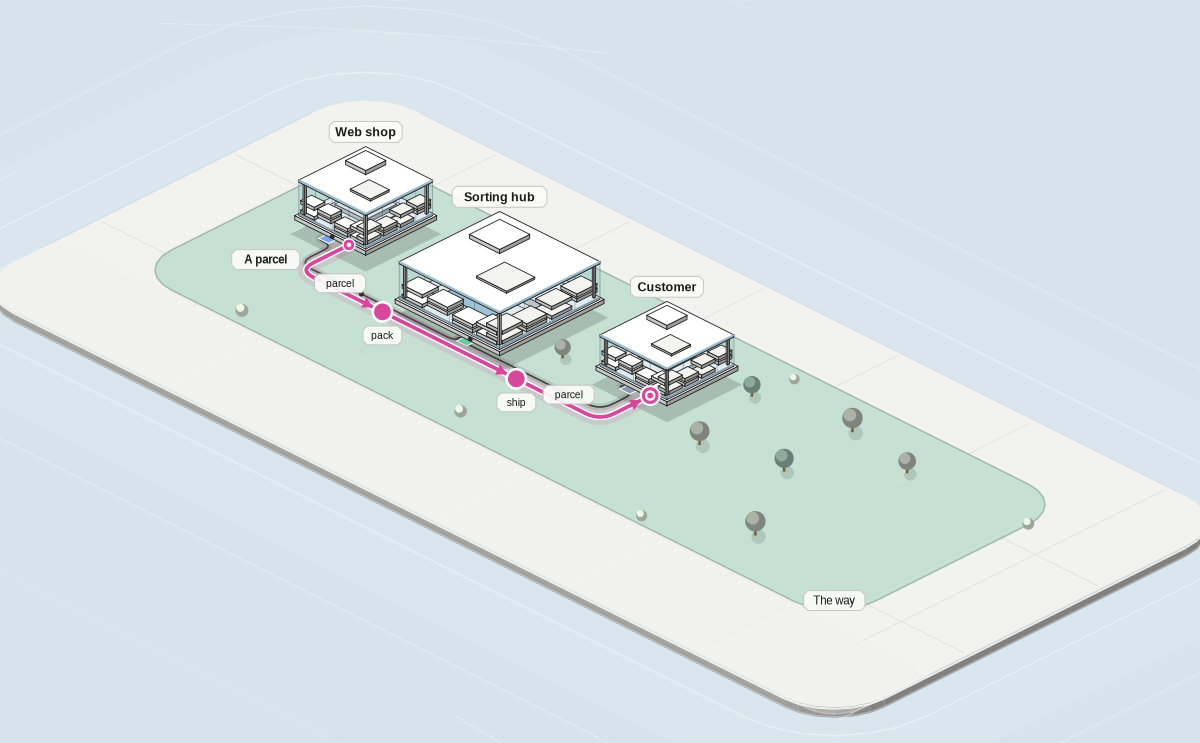
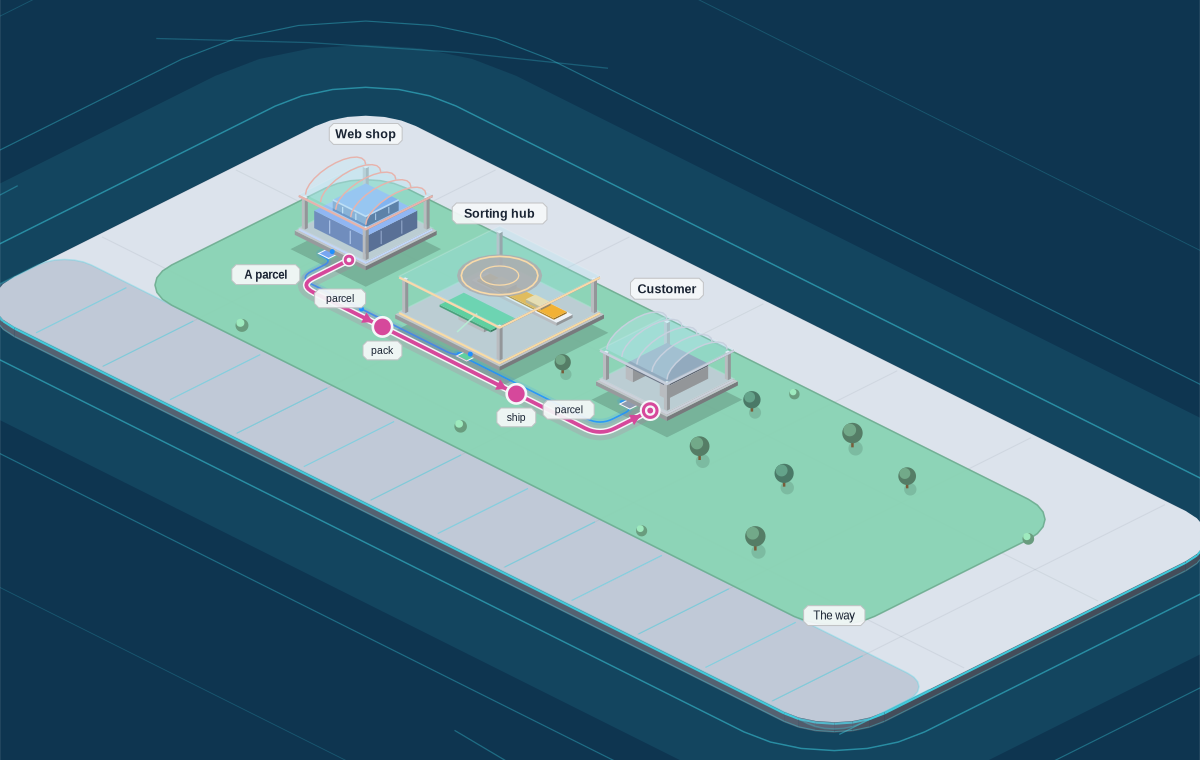
The map can take many looks. A style is colours, and it may also bring a skin that redraws the buildings. Both are plain data that cannot run code, so a style is easy to make and safe to share. Switch between them in the editor with the Style menu, or make your own.

Every style

No community styles yet: yours could be the first.

Make a style

Anyone can add one. A style is a small JSON file, and a style that is sent to the project joins this page and the Style menu for everyone.

  1. Start from a style that is there. In the editor, press + next to the Style menu and choose one under Start from, such as Blocks or Architect: its JSON fills the box. Give it your own id (lower-case words with -), label (at most 24 characters) and author; source may link to you.
  2. Change the colours. Each is written as #rrggbb:
    ground
    the land the city stands on
    road
    the streets
    traffic
    links and the lights that run along them
    slab
    the plinths under buildings
    text
    every name written on the map
    unzoned
    the dock where hosts without a lot wait
    water, shore, rim
    the sea, where it meets the island, and the island's edge
    grass
    the lawns of districts
    health
    healthy, degraded and down: three colours that must be told apart
    frame, glass
    optional: the decks and the glass of buildings
  3. Redraw the buildings (optional). Add a skin to the file. It lists shapes for each part it wants to draw its own way, and the rest stays as built in:
    module
    the shape of each kind of room on a deck: database, service, queue and the rest, or default for any
    deck
    each floor, and the roof
    plinth
    the slab a building stands on
    crown
    what rises from the roof
    facade
    the glass round each floor, drawn after its rooms, so a building reads as one tower
    pillars
    none, or how the corner pillars are painted
    deckHeight
    how thick the floors are, from 1 to 8
    Each shape is one of:
    box
    a block, in a share of its cell, with an outline if you like
    drum
    a round column
    bitmap
    a picture in letters, one flat or standing pixel for each; square keeps them square
    walls
    the two faces the viewer sees, as glass, divided into bays; no roof, so rooms show
    dot
    a lit point
    line
    a line between points across, along and up the cell
    Paint a shape with a #rrggbb colour or a role: $state (what the room is showing), $frame, $glass, $accent, $text or $ground. Every module needs at least one shape painted $state, so a skin can never hide how a room is doing. A part has at most 48 shapes and a skin 400, and shapes stay inside their own cell and below the next floor. Start from Blocks or Architect to see how each is written.
  4. Try it at once. In the editor, open the Style menu, choose Try your own style, paste the JSON and press Use this style. Every problem is listed, and it changes nothing in your city.
  5. Make it readable. Names need a contrast of at least 4.5 to 1 against the ground, links at least 1.8 to 1, the three health colours must be clearly different, and the sea must differ from the ground. The same checks run when a style is sent.
  6. Send it. Save the JSON as styles/your-style.json (named after its id), run pnpm styles:sync and pnpm gate, then open a pull request with your file. Add a picture of your style on the city above.